What is an email MCP server, and what can it do with your inbox?
In short
An email MCP server lets Claude or ChatGPT search and draft in your mailbox. What it is, how it works, what it can read and change, and what to check first.
By FezolaPublished Updated 2 min read

On this page
An email MCP server is a bridge between your mailboxes and an AI assistant such as Claude or ChatGPT. Once it is connected, you can ask the assistant "what did my accountant send me this week?" or "draft a polite reply to the last email from Paul", and it reads your real messages to answer.
MCP in one paragraph
MCP (Model Context Protocol) is an open standard that lets AI assistants call external tools. A server exposes a list of tools (search messages, read a thread, create a draft), the assistant decides when to call them, and you approve the connection once. Claude supports remote MCP servers, which you add with a single URL, and so does ChatGPT on Business and Enterprise/Edu plans. Grok accepts custom connectors too: see Fezola in Grok.
What an email MCP server can do
With Fezola, the assistant gets tools such as:
search_messagesandlist_recent: find messages across all your connected mailboxes at once. Each result says which account it comes from.get_messageandget_thread: read a full email or conversation, including attachments (PDF, Word, text and images).create_draft,reply_draftandforward_draft: prepare an email. A reply is created in the mailbox that received the original message, with that address as the sender.archive_message,move_message,mark_as_read,flag_message: keep the inbox tidy when you ask.
What it does not do
- It does not send for you by default. Replies are saved as drafts. You read them and press send in your own mail app, unless you switch on direct sending for a mailbox.
- It does not keep a copy of your mail. Messages are read live when the assistant asks.
- Chats stay read-only. Google Chat and Telegram can be searched and summarized, never written to.
Why not just use the built-in connector?
Built-in connectors are improving fast, but in November 2026 they still cover only some providers. If your mail lives on a custom domain, at an IMAP host, in iCloud and Gmail at the same time, or if you also want your chats in the same answer, one MCP server that sees everything is simpler. The IMAP guide and the all inboxes guide go into the details.
How to set one up
- Create a free Fezola account and connect your first mailbox.
- In Claude, open Customize, Connectors, then "Add custom connector", and paste
https://api.fezola.com/mcp. In ChatGPT, add it as a connector in the same way. - Approve the access on the consent screen, then ask your first question.
It takes about two minutes, and you can revoke the assistant's access at any time.
New to MCP? Start with what is MCP, the Model Context Protocol.
Questions and answers
Can an email MCP server send emails on its own?
It depends on the server. Fezola writes replies as drafts in your mailbox by default: you review and send them yourself from your usual mail app, unless you switch on direct sending for a mailbox.
Which mailboxes can I connect?
With Fezola: Gmail, iCloud Mail, Yahoo and any IMAP mailbox (custom domains, OVH, IONOS, Gandi and others), plus Google Chat and Telegram in read-only mode.
Is it free?
Fezola is free with 2 sources. Pro connects unlimited sources with a 7-day free trial.
More in MCP basics

Best email MCP servers for Claude (and ChatGPT Business) in November 2026
The best email MCP server depends on your setup: built-in for one Gmail, self-hosted for control, hosted like Fezola for several mailboxes. Checked 15 Nov 2026.
9 min read

Which Claude and ChatGPT plan do you need for custom connectors and MCP servers?
Claude allows custom connectors on Free (one), Pro, Max, Ultra, Team and Enterprise. ChatGPT on Business, Enterprise and Edu, Pro read-only. Checked Nov 2026.
2 min read
MCP vs API: what is the difference, and when do you need which?
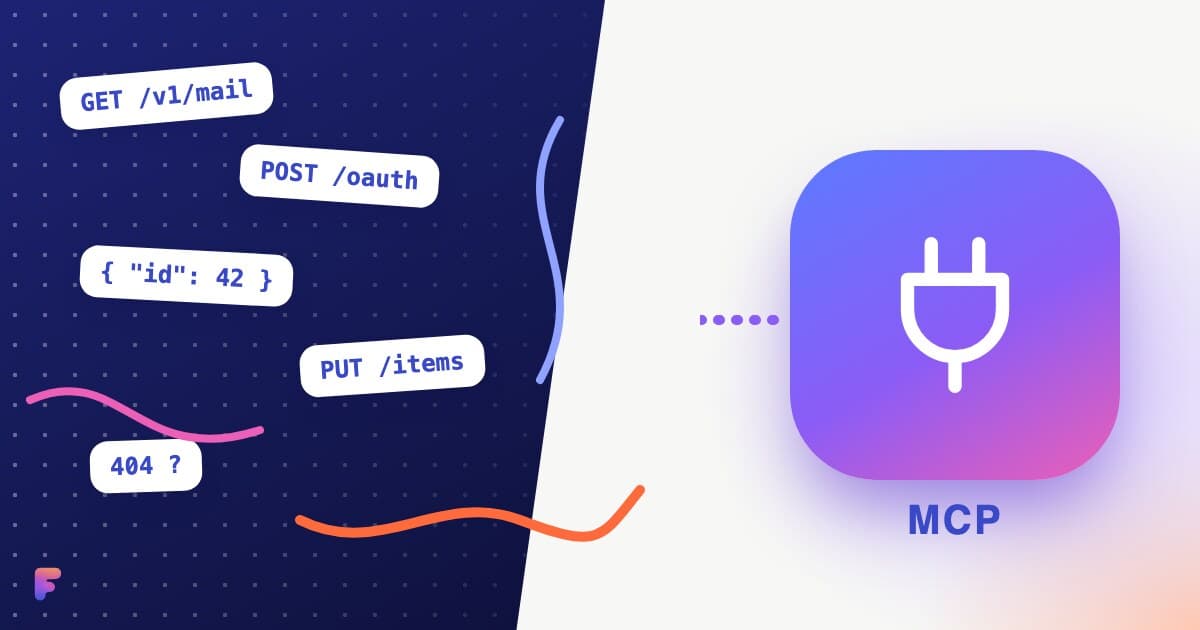
An API connects software to software; MCP lets an AI assistant discover and use tools built on APIs. A plain comparison table, when each fits, and how Fezola uses both.
2 min read