Guides
Step-by-step guides to bring your mailboxes and chats into your AI assistant: any IMAP mailbox, every inbox at once, several Gmail accounts, iCloud Mail, Yahoo Mail, Google Chat or Telegram.
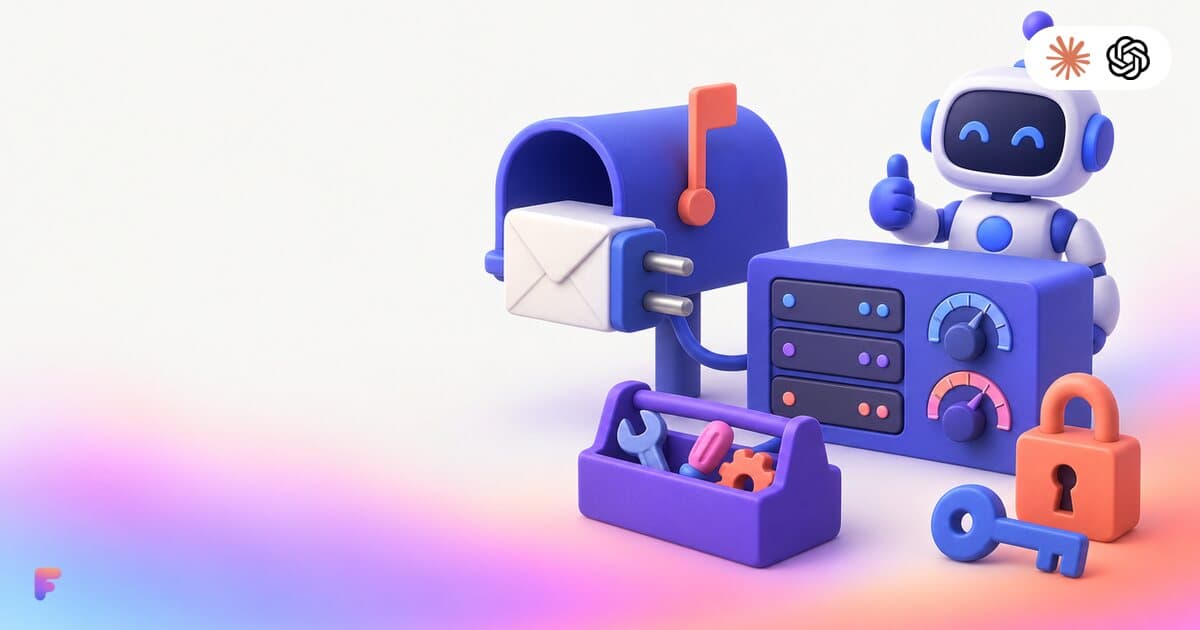
IMAP MCP server: connect any mailbox to Claude (and ChatGPT Business)
OVH, IONOS, Gandi, Fastmail or a mailbox on your own domain, in Claude (and ChatGPT Business), with nothing to install.
Read the guide
How to bring all your inboxes and chats into Claude (or ChatGPT Business)
Gmail, iCloud, your own domain over IMAP, Google Chat and Telegram, searchable together through one connector.
Read the guide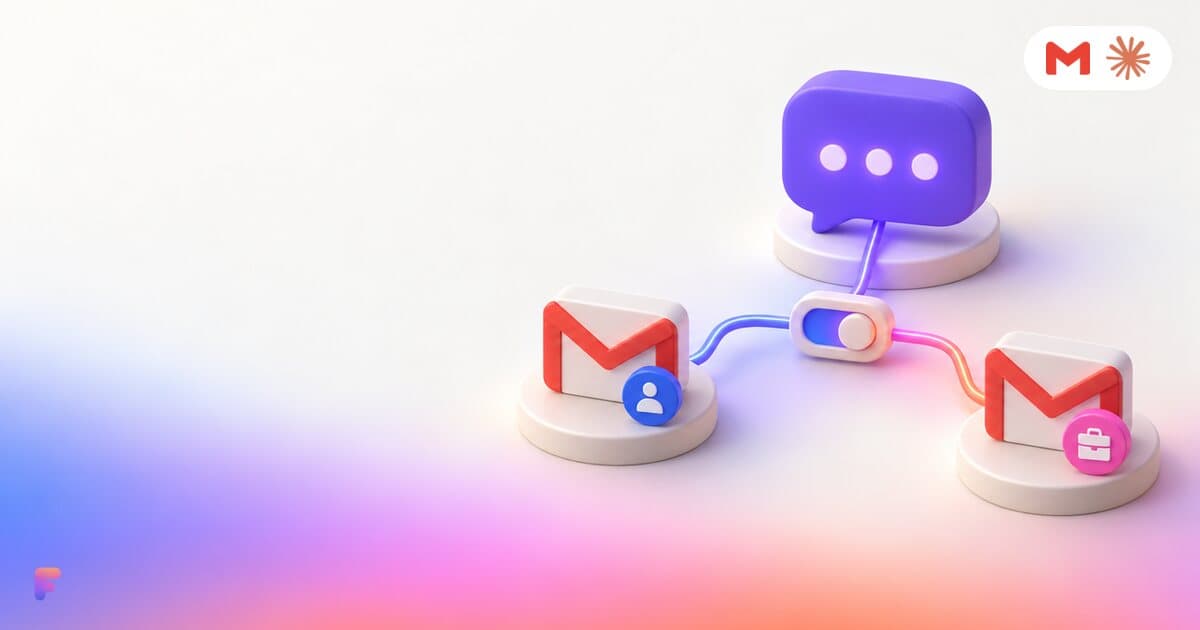
Gmail, iCloud and IMAP inboxes together in Claude (and ChatGPT Business)
Personal and work Gmail, iCloud and your own domain in the same conversation, with every result labeled by account and replies drafted from the right address.
Read the guide
How to connect iCloud Mail to Claude
Connect iCloud Mail to Claude with an Apple app-specific password and one custom connector, next to your other inboxes.
Read the guide
How to use Yahoo Mail in Claude (and ChatGPT Business)
Connect Yahoo Mail over IMAP with a Yahoo app password, then add one custom connector to Claude (or ChatGPT Business).
Read the guide
How to use Google Chat in Claude and ChatGPT
Ask Claude (or ChatGPT Business) what your team said in Google Chat, what is unread and what still needs your answer, next to your email.
Read the guide
How to use Telegram in Claude (and ChatGPT Business)
Let Claude (or ChatGPT Business) catch up on your Telegram private messages, groups and mentions, and tell you what still needs an answer.
Read the guide
Your AI reads your email. Anyone can write to you. Is that safe?
Prompt injection through email, in plain words, and the safeguards built into Fezola: sending off by default, drafts you review, nothing stored, access you can revoke.
Read the guideConnect your first account in two minutes
Free with 2 sources, no card needed. Nothing to install.
Start for free